MelaM
Mela
Oct 2

Digital Distortion Modules: Clipper, Degrader and Rectifier

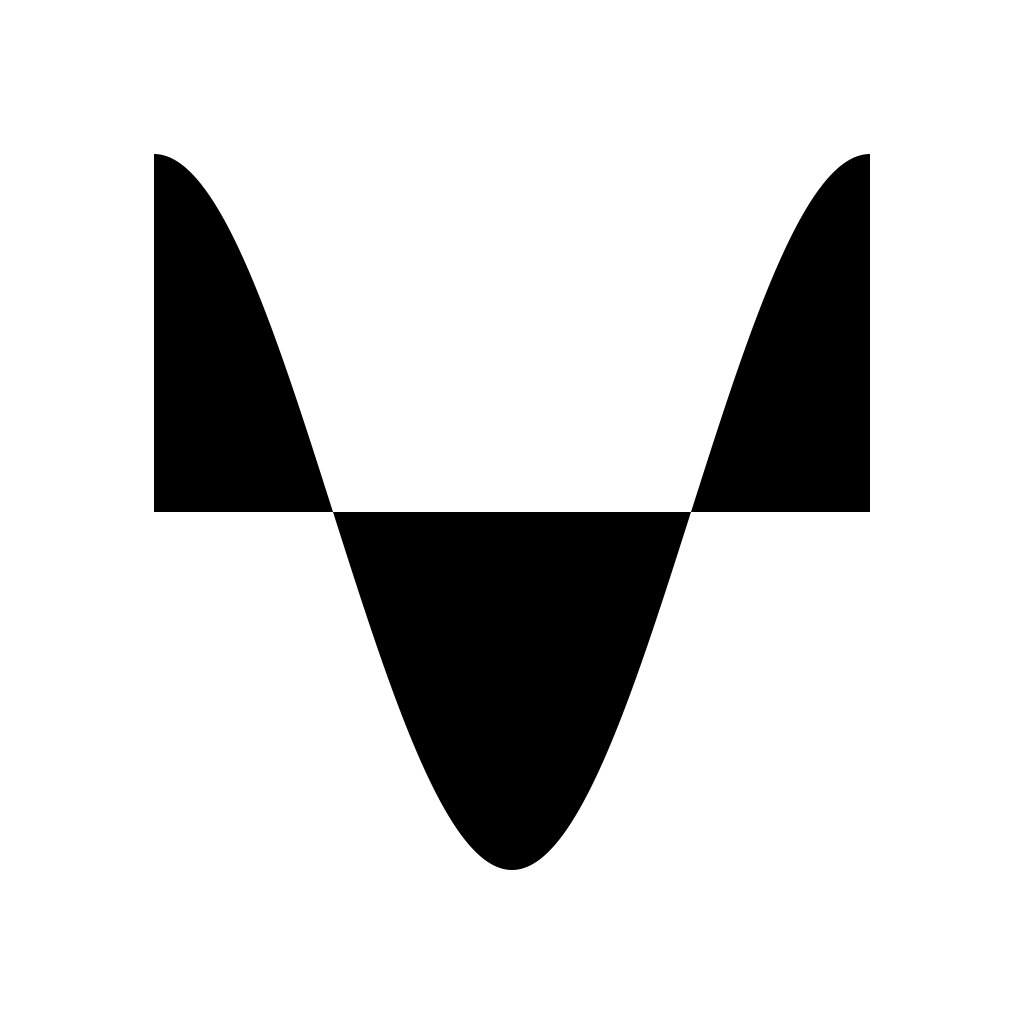
Mela 4.6 beta introduces 3 new digital distortion modules to help you add some dirt and filth to your sound. I'm super busy with the polyphony work and wasn't ready in time for the 4.6 update, and I didn't want to keep you waiting for too long for new stuff. So here are some filthy effects. Personally can't wait to use them in my music. The beta should be approved soon by Apple and as always let me know if you have any feedback about these modules. Clipper Module: - The Clipper module offers the following selection of clip distortion algorithms: Soft, Hard, Fold and Wrap. - Its Peak parameter sets the level above which the audio signal is clipped. Degrader Module: - The Degrader module distorts the signal by reducing its sample rate and bit depth. - Its Clock and Bits parameters control the sample rate and bit depth of the output signal. - The Mix parameter sets the effect dry/wet mix amount. Rectifier Module: - The Rectifier module introduces asymmetric digital distortion to the signal. - The Rectify parameter sets the amount of asymmetry introduced to the negative portion of the signal. - At 50%, the effect is equivalent to half-wave rectification and at 100%, it's full-wave rectification. - The DC Offset parameter sets the amount of DC offset added to the signal. This can be especially useful when a Rectifier module is followed by another non-linear processor. Sinusoid Graphs: - All 3 modules have a graph that displays how a sinusoid with a unity amplitude would be transformed by its module given the parameters. Drag it horizontally or vertically to adjust the module parameters. Double-tap the graph to reset the parameters to their default values.
CompletedCompleted

Oct 12, 2023

Mela 4.6 is out.

Oct 12, 2023

Submitted to App Store and waiting for approval. And in the meantime, I discovered this fun byproduct of the rectifier module: https://x.com/Nikolozi/status/1712025996356915397?s=20

Oct 2, 2023

I feel that at least the clippers fold and wrap modes should be 'gain compensated' as they loose level quickly, better yet all the modes could or rather should be 'gain compensated' to keep levels constant thru the module. Others may disagree but for me this makes perfect sense.

Oct 3, 2023

Samuel Lindeman: Cheers for the feedback, I'll experiment. However, I was trying hard to keep all the modules as simple as possible without too many parameters. The only reason Bit Crusher and Decimator ended up as a single module is that I needed to wide enough graph to display the effects of bit reduction and downsampling and rather than having 2 wide modules I thought might as well have one that does both and the user can use one functionality only if they need to. Therefore I avoided adding the Gain dial. My thinking is, that with Clipper the user can insert a Volume module in front of it if they want to drive the signal harder and make it louder (or any other module that might increase volume). And use the Peak parameter to control the max value. And I imagine a lot of uses of Clipper would be Soft mode to control peak. So I wanted the module to be small and simple so users would insert it in many places where they want it to control peaks. **Edit: ** One thing I'm considering, maybe I'll overload the PopUpMenu with a tickable Auto-gain option (that way interface stays simple). So if I understand your request correctly, with the auto-gain option it will counter the Peak parameter value. Say if Peak is -⁠6dB the gain of +6dB would applied to the output of the Clipper module. Is that correct?

Oct 3, 2023

Nikolozi: Hi! Yepp, that would be the way the 'gain compensation' would work. (ie. adding a volume control 'after' the clipper to compensate). The reason I reacted to the 'level drop' was mainly due to the way Drambo shaper's amount knob works, it's more like a 'drive' towards a the ceiling forcing the 'fold' depending on the chosen type. So as you mentioned using volume module in front of the clipper module and adjusting gain they both behave about the same with some sonic differences. So no worries here. Cheers!

Oct 3, 2023

Samuel Lindeman: Cool. Mela's Distortion module works that way. It has a Drive towards the ceiling. But with Clipper, I was more hard/soft clipping focused and was thinking peak/threshold would be optimal for those uses. Thinking about it some more, I think the Auto-gain option if I can make it part of the PopUpMenu/ComboBox would make it flexible without taking up UI. (btw, assuming the gain compensation on the output, setting Clipper's Peak to -⁠12dB or driving with a Volume module's Gain +12dB, will give the exact same sonic results. The only difference is that setting Peak -⁠12dB gives the user a visualisation of how a unity gain sinusoid would be distorted.) Thinking further about the PopUpMenu capabilities, maybe later on I can bring this sort of multi-functional PopUpMenu to other modules like Envelope and LFOs, where there are a bunch of small options that we want to have but don't want the UI to occupy too much real estate. e.g. EG options like Biased, Reset-to-Zero, Legato, and Trigger all could live under one pop-up menu.

Oct 3, 2023

Nikolozi: OK, for now I'll play around with the idea of using two volume modules (one before and one after the clipper/shaper module). This gives most flexibility to shape the sound. The first one 'drives' the clipper modules input and the second compensates for the reduced gain after the clipper module. A custom transfer curve could bring this module up to another level. (Ie. the different 'modes' are likely already transfer curves inside the module so a custom curve would not be that far off?). The transfer curve could also be utilized as an oscillator/wave-shaper among other things so the time spent on doing a curve-editor would not be wasted. But save those for a future update if they make sense. Cheers!

Oct 3, 2023

Samuel Lindeman: > OK, for now I'll play around with the idea of using two volume modules (one before and one after the clipper/shaper module). > This gives most flexibility to shape the sound. So in your opinion, do you think it's still worth adding Auto-gain option? (I will still implement it to see how it feels and probably release as beta to test it) I think a custom transfer function is a good idea. And I would like to do that at some point, most likely as a separate module. With these modules, I specifically wanted to focus on common digital distortions (maybe soft clipping wouldn't even be considered a digital distortion). But the key here is to keep them simple. I think with some modules I got carried away and made them overly complex. Having said that I think there's space for both complex modules and simple ones. So, distortion with the custom transfer function module makes sense. And as you said having an editor UI for that and custom oscillator shapes would be great. > (Ie. the different 'modes' are likely already transfer curves inside the module so a custom curve would not be that far off?). That's correct. As a side note, I considered displaying transfer functions as alternatives to sinusoids graphs. You would tap and Sinusoid would be replaced with a transfer graph, tap again and would switch back. Maybe I'll do that at some point. Though, Wrap and Fold transfer function didn't look as informative as much as displaying what happens to a unity sinusoid.

Oct 3, 2023

Nikolozi: I would prefer the auto-gain to be on by default, this way I can focus on using the module without having to compensate for the level loss after the module when the fold-amount changes. Think slapping a wave-folder after an oscillator to shape its output without having to worry about the oscillator loosing volume when the fold-amount is modulated. That's my take on it. Cheers!

Oct 3, 2023

Samuel Lindeman: Sounds good, thanks for the feedback. (With the auto-gain feature might make sense to rename the Peak parameter to Threshold)

Oct 3, 2023

Samuel Lindeman: Ended up going with your initial suggestion and replaced the Peak parameter with Drive. It only goes to the maximum value of 18 dB. But I think should be ok for most needs, for extreme gain, the user can insert a Volume module. If I give the Drive parameter a high max value the graph looks terrible for Fold and Wrap and becomes useless.

Oct 3, 2023

Nikolozi: Goodie! My gut tells me that it 24db would be a 'max sweet spot' for Soft, Hard & Fold combined with 100% output from say a sine oscillator. For 'Wrap' mode it's a bit too much and honestly I've always preferred folding over wrapping due the increased amount of aliasing-distortion. 18db is ok and works quite well in the latest 4.6 (147). Cheers!

Oct 10, 2023

Samuel Lindeman: changed it to 24dB in the latest build :)

Oct 10, 2023

Nikolozi: Nice! Now there's plenty of room for experimentation and weird noises :)

Oct 2, 2023

Ready for testing in Mela 4.6 beta