I suspect the zippering might be caused by the resolution of the incoming Midi CC's (0-127) so what would be needed here is smoothing/interpolation between the CC values.
This has been added to Mela 4.1 beta build 75, let me know if you have any feedback.
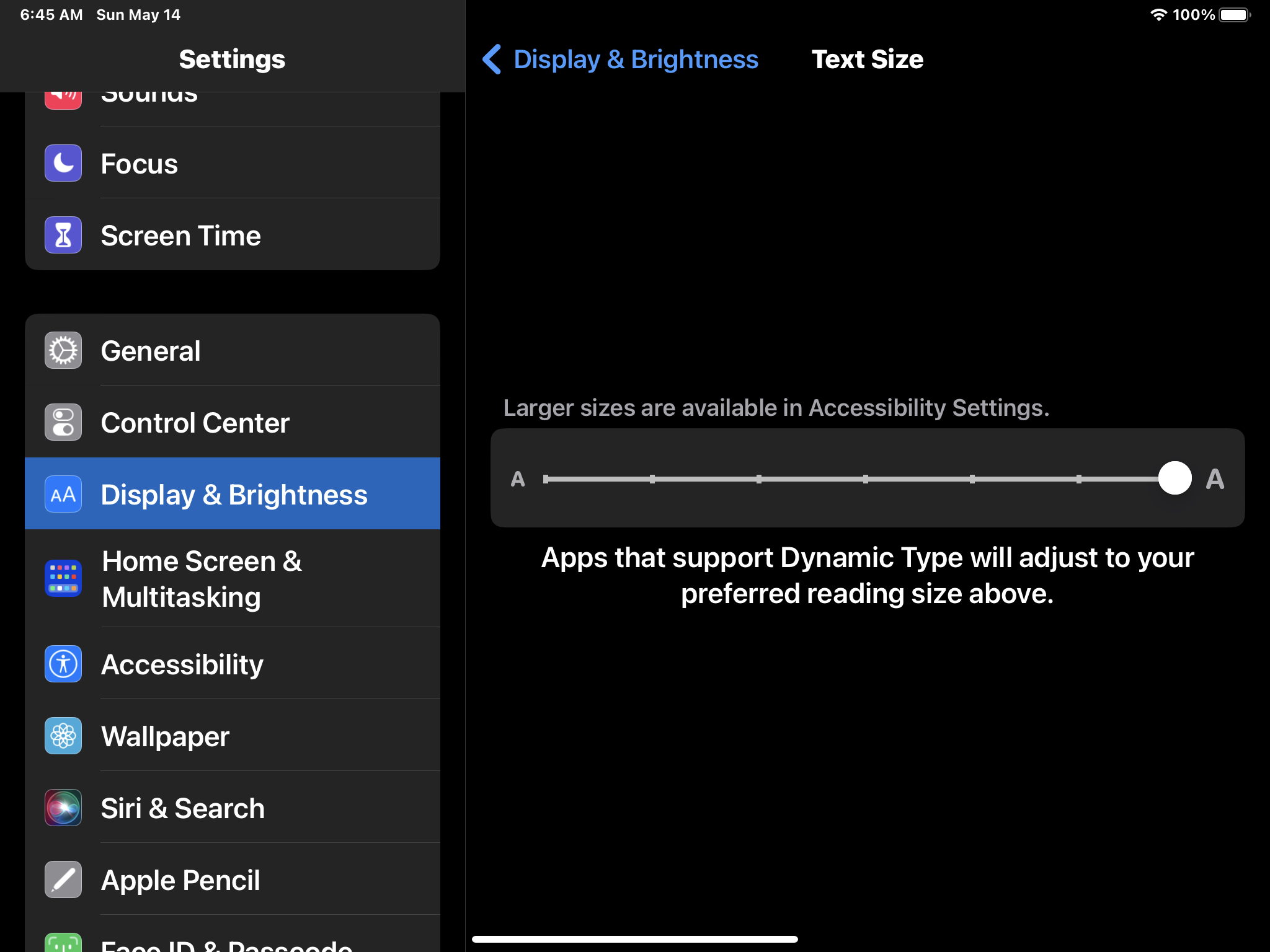
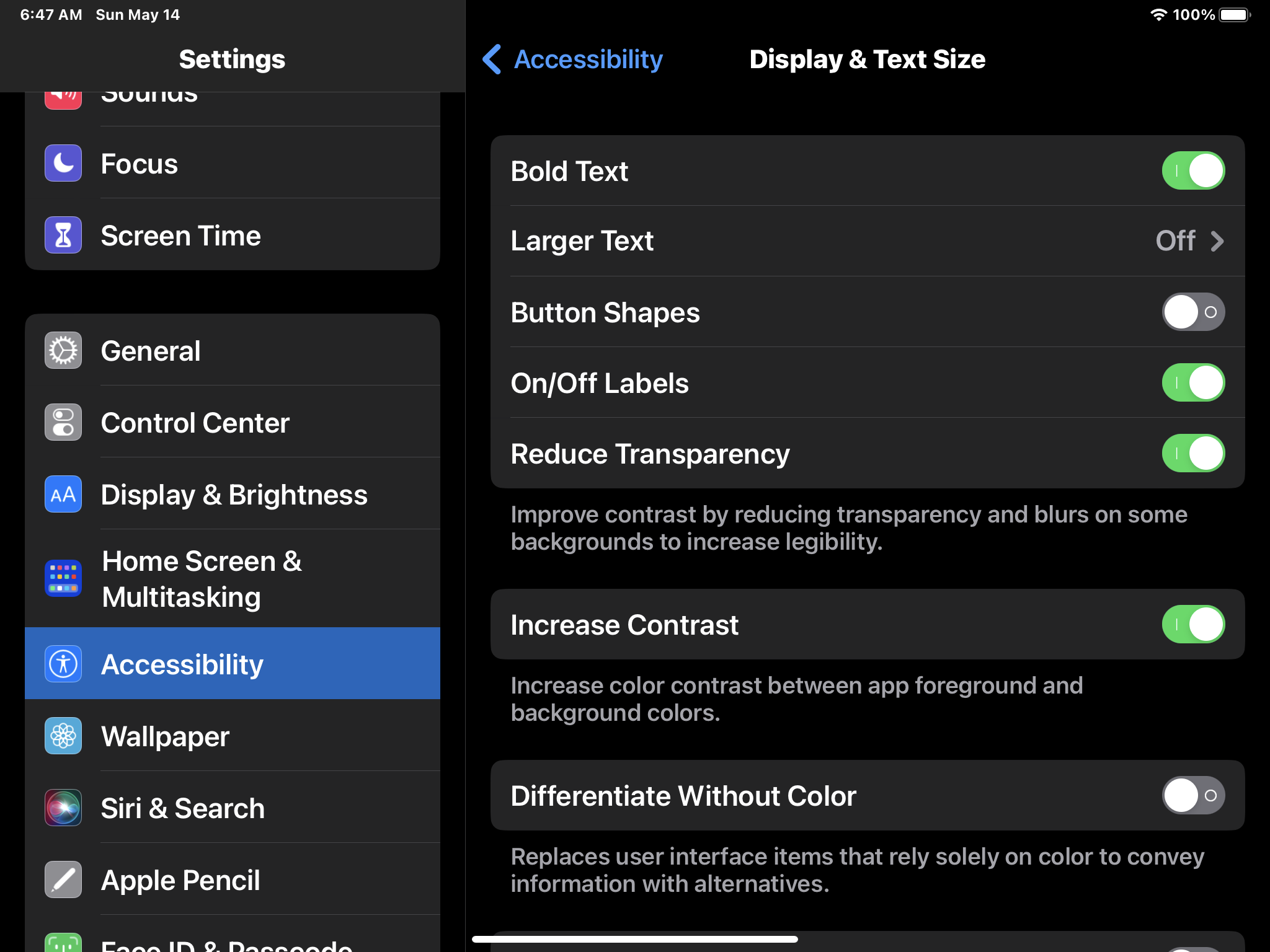
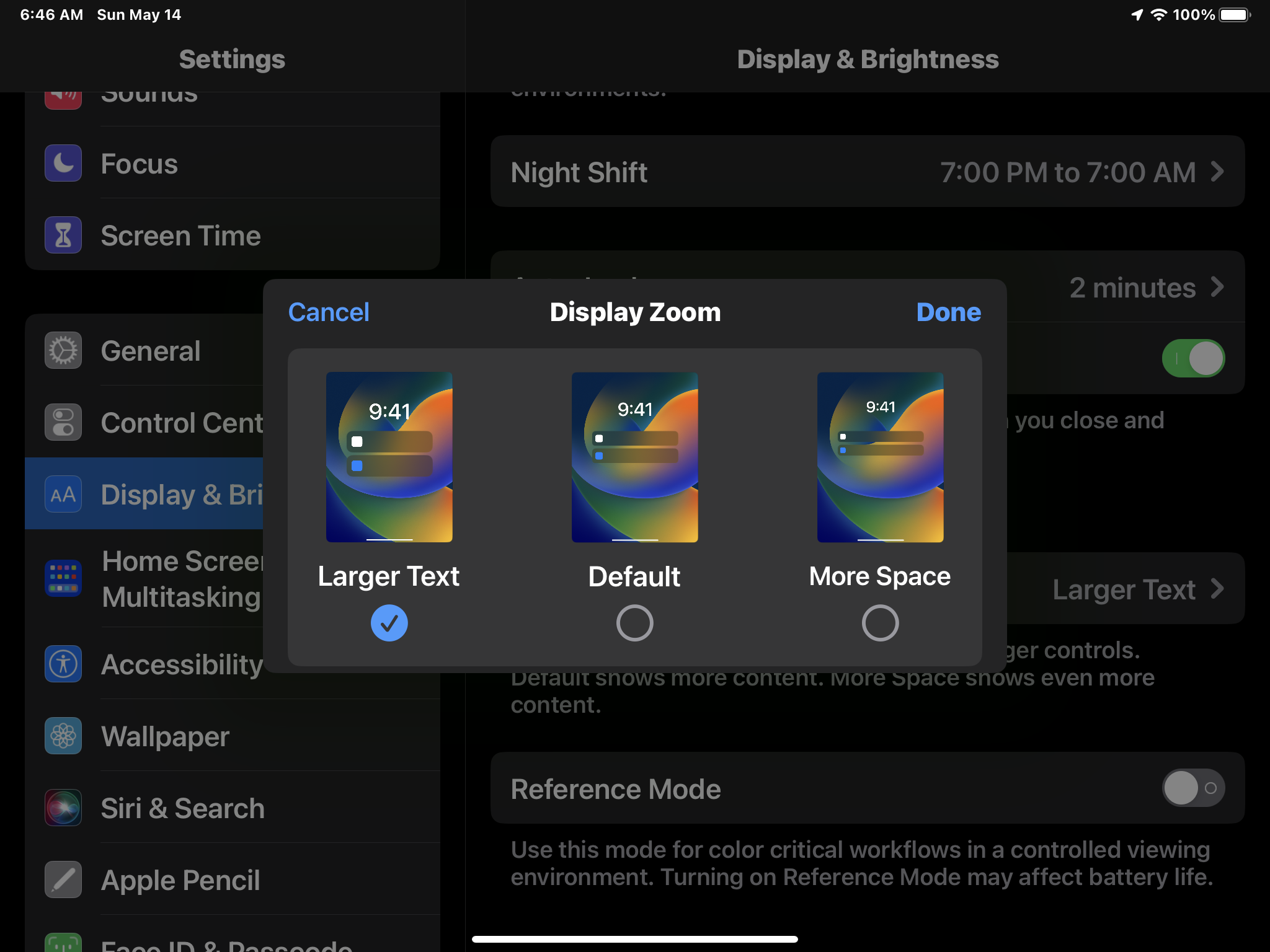
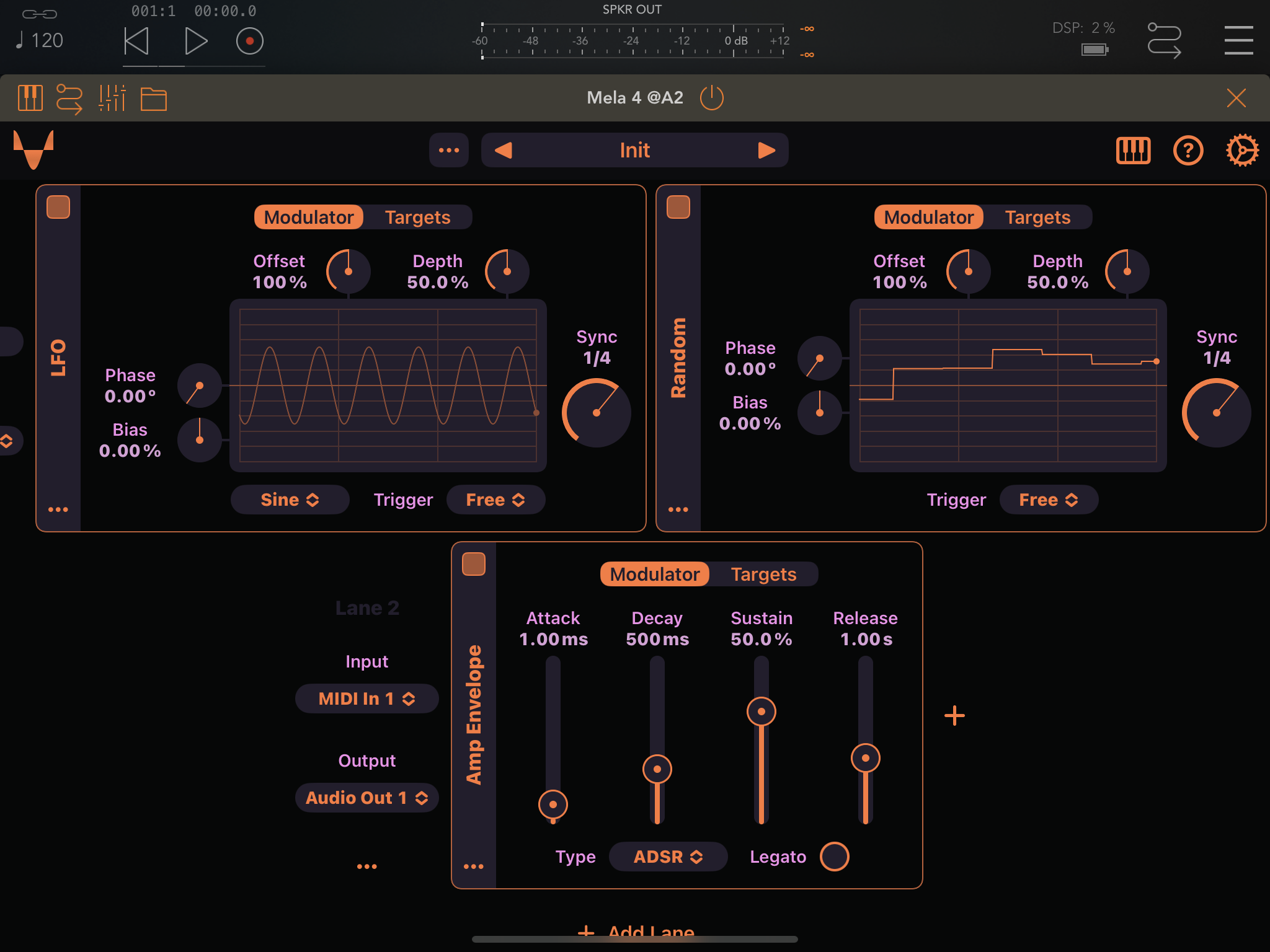
Hmm... The filter shouldn't zipper. Thanks for the video, can you please also upload that preset, to make sure I have the exact setup when debugging? And also the Type label in the Amp Envelope, looks truncated, it doesn't on my iPad. Wonder why that is, which iPad are you using? Do you have any text accessibility features enabled? Like enabling bold text for labels?
Nikolozi: here is the patch: https://mega.nz/file/eohlFZIT#E865GaTB21sa8nj1N_V3IMcMyumypU…
and yes, I use a bunch of accessibility features
Jon Diercks: Thanks for all details, Jon. I'll investigate the issues.
Jon Diercks: Looks like when Bold Text is enabled that's when text truncation is happening. I fixed truncation happening in these cases: - LFO and Random modules' "Trigger" label. - LFO and Random modules' Tilt, Phase and Bias values. - Amp Env module "Type" label Try the build 81 and let me know if it's fixed for you. And if you find any other cases where text is truncated please let me know.
Nikolozi: looks good here! Thanks. Your meticulous attention to both the esthetic and functional sides of the UI make the app very satisfying to use.
Jon Diercks: Thank you 🧡
Released as part of the Mela 4.1 update.